
What Happens When AI Writes Code? From Prompt to Production
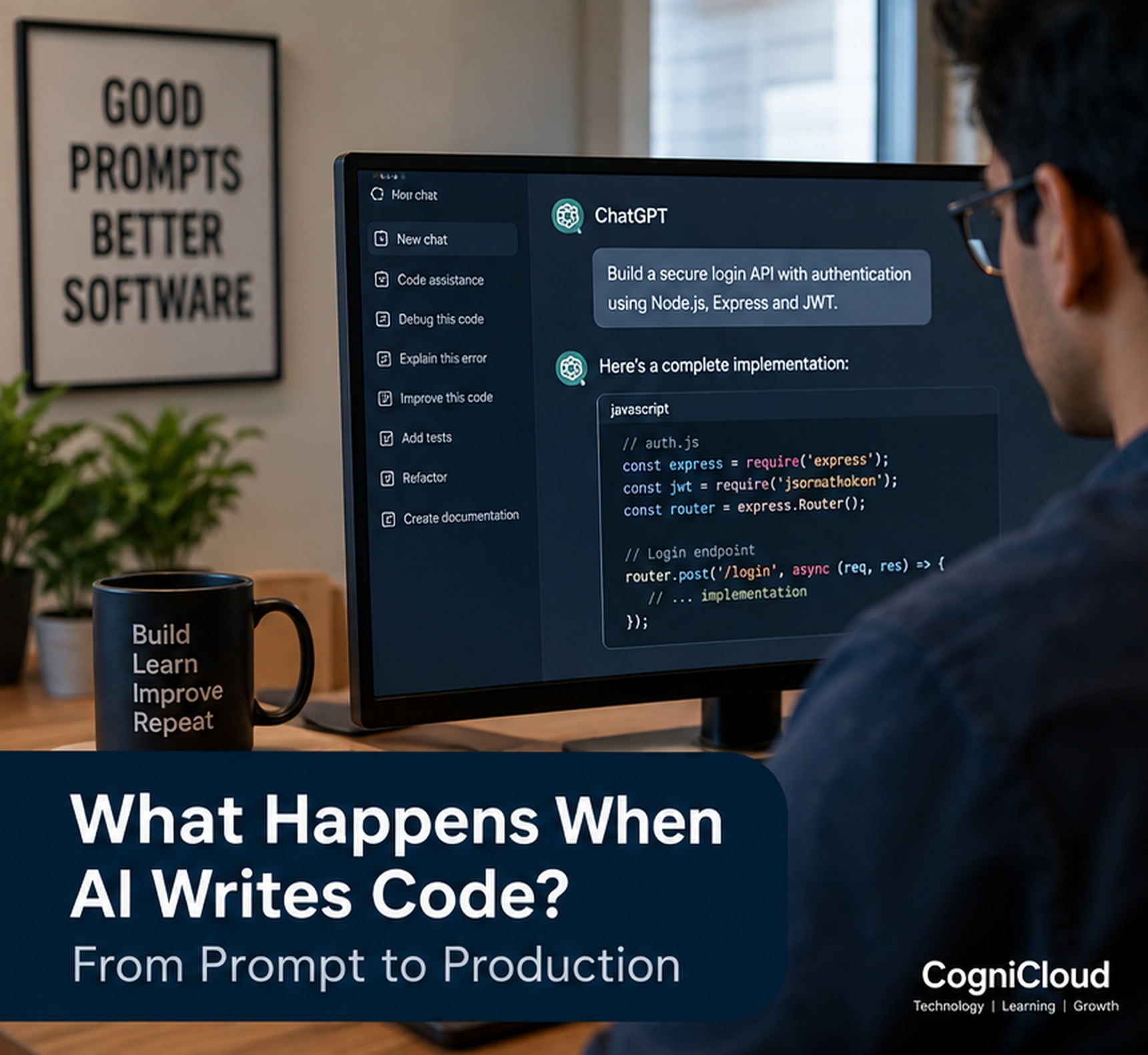
You type:
"Build a secure login API using Node.js, Express, and JWT."
A few seconds later, hundreds of lines of code appear.
It can feel almost magical.
But what actually happens between those two moments?
AI-assisted development is not simply a machine "typing code." Behind the scenes, an AI model interprets your request, uses the context available to it, predicts a suitable implementation, and can refine its output based on feedback.
The important part is what happens after the code is generated.
Because generated code is not automatically production-ready code.
From Prompt to Program

The journey usually starts with a natural-language instruction.
A developer might ask an AI coding assistant to:
- Create a REST API
- Build a React component
- Fix a database query
- Write unit tests
- Explain an error
- Refactor existing code
- Add authentication
- Generate documentation
The quality of the result depends heavily on the quality of the request and the context provided.
Compare:
"Build a login API."
with:
"Build a secure login API using Node.js, Express, PostgreSQL and JWT. Validate email and password, hash passwords with bcrypt, return appropriate HTTP status codes, and include unit tests."
The second request gives the model much more information about the expected result.
This leads to an important lesson:
AI does not remove the need for clear requirements. It makes clear requirements even more valuable.
What Does the AI Actually See?
When an AI coding assistant works inside a project, the prompt may be only one part of the information available to the model.
Depending on the tool and configuration, it may also receive relevant context such as:
- Existing source files
- Function definitions
- Type definitions
- Project structure
- Configuration files
- Error messages
- Documentation
- Previous conversation
- Selected code
- Test results
This context helps the model understand how the requested change fits into the existing application.
Without sufficient context, the model may produce code that looks correct in isolation but does not fit the project.
How AI Generates the Code
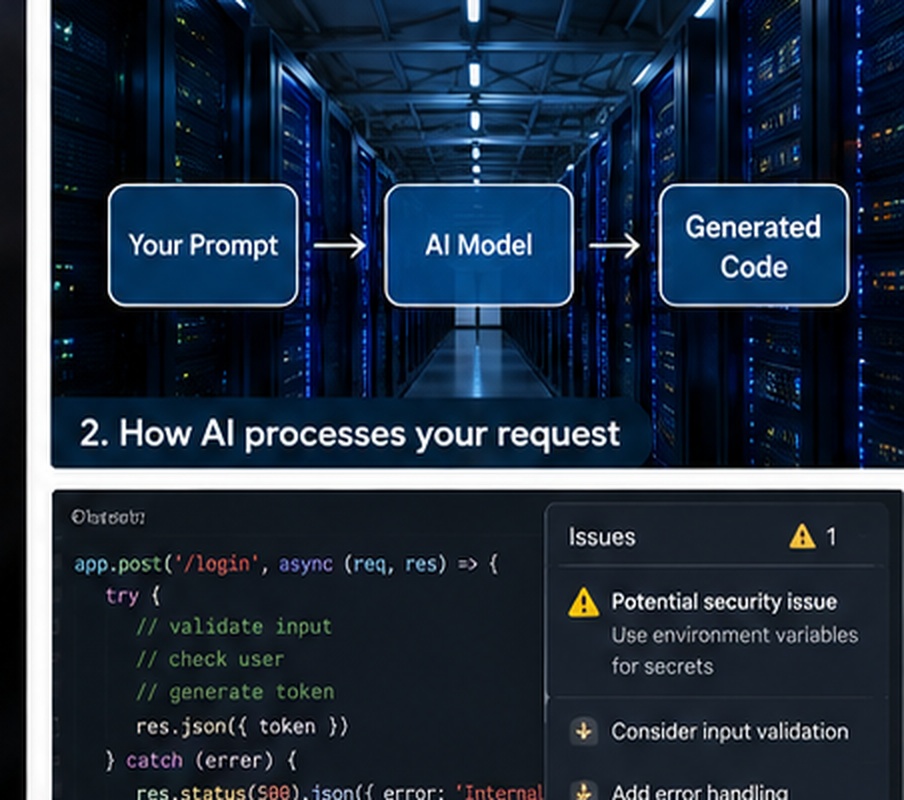
Large language models generate text by predicting what should come next based on patterns learned during training.
When the input is source code, those same capabilities can be used to generate programming constructs.
Conceptually, the workflow looks like this:
Prompt → Context → AI Model → Generated Code → Review
The model does not understand a software project in exactly the same way a human developer does.
Instead, it uses learned patterns and the context provided to construct a likely solution.
That is why AI can produce remarkably useful code—and also surprisingly incorrect code.
Why AI-Generated Code Can Be Wrong
AI-generated code can fail for many reasons.
Incorrect Assumptions
The model may assume a library version, database structure, API contract, or project convention that is different from reality.
Missing Context
If the relevant files or requirements are not available, the model may invent an implementation that does not match the application.
Outdated Knowledge
Software libraries change. An approach that worked previously may be deprecated or incompatible with the current version.
Logical Errors
Code can be syntactically valid while still implementing the wrong business logic.
Security Problems
Generated code may contain insecure patterns involving authentication, authorization, input validation, secrets, SQL queries, file handling, or API access.
So the first rule of AI-assisted programming should be simple:
Never assume generated code is correct just because it runs.
The Developer's Most Important Step: Review
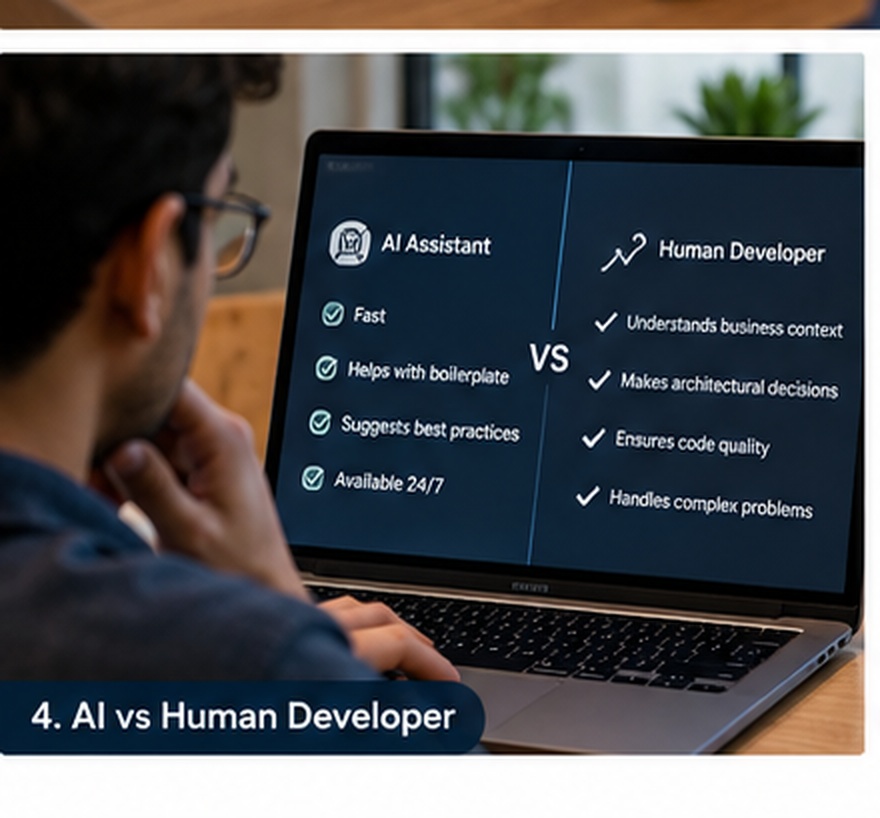
The generated code should be treated as a proposal.
A developer needs to evaluate:
- Does it solve the actual requirement?
- Does it follow the project's architecture?
- Is the code maintainable?
- Are edge cases handled?
- Are errors handled correctly?
- Is authentication secure?
- Is authorization enforced?
- Are sensitive values protected?
- Are tests included?
- Does it introduce unnecessary dependencies?
This is where software engineering knowledge becomes extremely valuable.
AI can generate code quickly.
The developer decides whether that code should exist.
From Generated Code to Tested Code
After generation, the next stage is validation.
A practical workflow might look like:
Prompt → Generate → Review → Test → Fix → Review Again → Deploy
Testing can include:
- Unit tests
- Integration tests
- API tests
- Type checking
- Linting
- Build validation
- Security scanning
- Manual testing
- Performance testing
If something fails, the error can be fed back into the AI assistant.
For example:
"The integration test is failing because the API returns 401 instead of 200. Analyze the error and suggest a fix."
The AI can then inspect the available context and propose another change.
This creates a feedback loop between the developer, the AI, and the development environment.
AI Can Also Help Debug AI-Generated Code
One of the interesting characteristics of AI-assisted development is that the model can participate in several stages of the same workflow.
It can:
- Generate code.
- Explain the implementation.
- Generate tests.
- Analyze test failures.
- Suggest a fix.
- Refactor the implementation.
- Generate documentation.
But there is an important limitation.
An AI can make a mistake and then confidently suggest another change based on that mistake.
That is why automated validation and human review remain essential.
Human Developer + AI Assistant
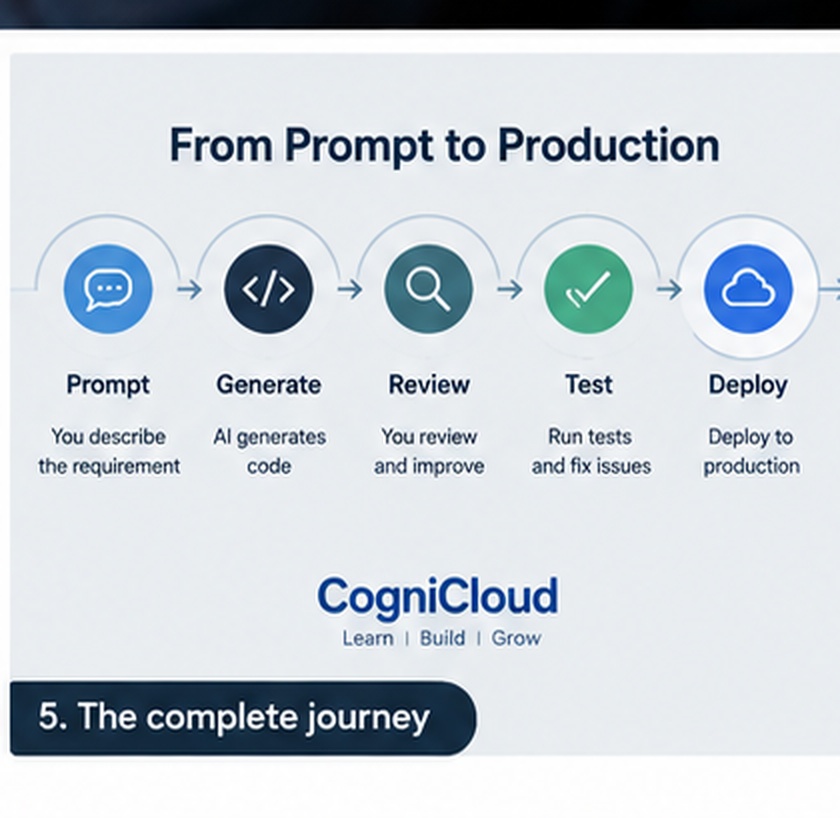
The most useful way to think about AI coding tools is not:
Human vs AI
but:
Human + AI
AI is particularly good at tasks such as:
- Generating boilerplate
- Explaining unfamiliar code
- Creating test cases
- Converting code between languages
- Suggesting refactoring
- Generating documentation
- Exploring implementation alternatives
Developers remain essential for:
- Understanding business requirements
- Architecture
- Security decisions
- System design
- Trade-offs
- Debugging complex problems
- Reviewing generated code
- Taking responsibility for production systems
The strongest developers may therefore become the ones who can effectively direct, verify, and integrate AI-generated work.
What Changes in Software Development?
AI changes the economics of writing software.
Previously, a developer might spend significant time writing repetitive code.
With AI assistance, the same developer can generate a first version much faster.
That shifts more attention toward:
What should we build?
Why should we build it this way?
How should the system behave?
How do we verify it?
How do we make it secure and reliable?
In other words, AI can reduce some of the mechanical work while increasing the value of engineering judgment.
From Prompt to Production
A production-ready workflow should not be:
Prompt → Copy → Deploy
A safer workflow is:
Requirement
↓
Prompt + Project Context
↓
AI-Generated Implementation
↓
Human Review
↓
Automated Tests
↓
Security & Quality Checks
↓
Human Approval
↓
Production
The distinction is important.
AI can accelerate implementation.
It does not remove the responsibility for the final software.
Security Matters More Than Ever
When AI can generate code quickly, security mistakes can also be generated quickly.
Developers should pay particular attention to:
- Authentication
- Authorization
- Input validation
- SQL injection
- Cross-site scripting
- Secrets and credentials
- File uploads
- API permissions
- Dependency vulnerabilities
- Sensitive data exposure
For applications connected to production databases, cloud services, payment systems, or customer information, blindly accepting AI-generated code is especially risky.
A fast implementation is not useful if it creates a security incident later.
The Future of Development
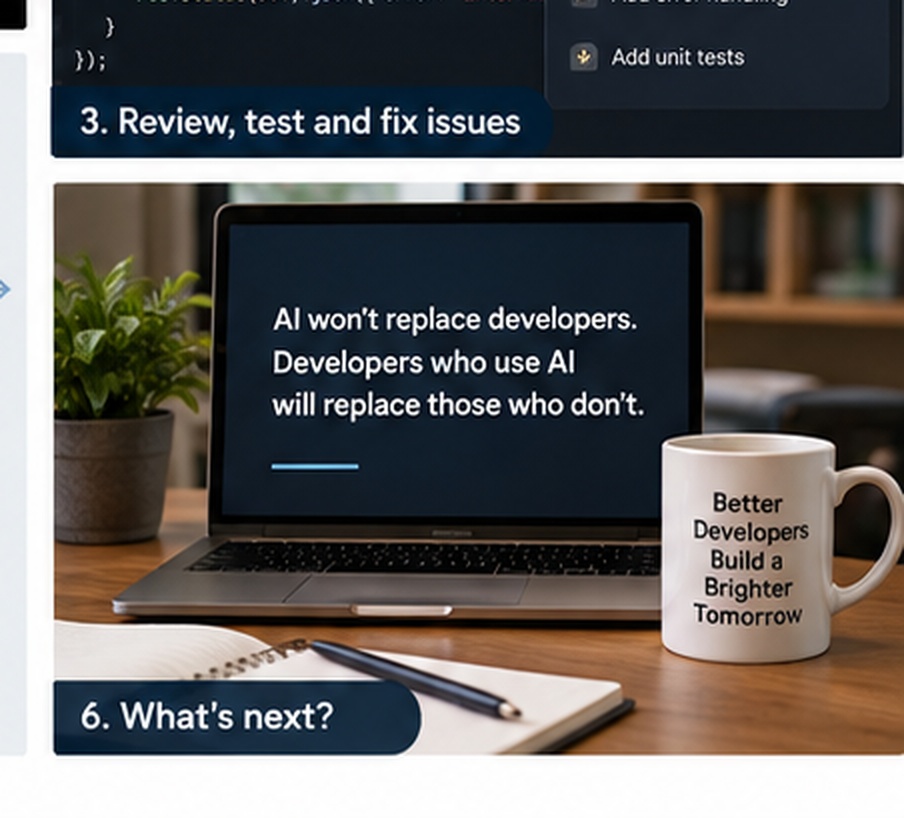
AI coding tools are likely to become increasingly integrated into the software development lifecycle.
Instead of asking AI only to write a function, developers may increasingly give it larger objectives:
"Add subscription billing to this application."
An AI development system could potentially help:
- Understand the existing architecture
- Identify affected modules
- Propose a design
- Modify multiple files
- Generate migrations
- Implement APIs
- Update the frontend
- Generate tests
- Run validation
- Prepare a pull request
The developer becomes less focused on manually producing every line and more focused on directing and validating the system.
Will AI Replace Software Developers?
Probably not in the simple way people often imagine.
AI is likely to automate parts of software development.
Some repetitive programming tasks will require less human effort.
But software development is much more than writing syntax.
It involves:
- Understanding people
- Understanding business problems
- Making architectural decisions
- Managing risk
- Designing systems
- Evaluating trade-offs
- Working with changing requirements
- Taking responsibility for outcomes
The role may change substantially.
But the need for people who understand software deeply is unlikely to disappear.
In fact, as AI becomes more capable, understanding software may become even more important.
The Bigger Shift
The most important change is not that AI can write code.
It is that the barrier between human intention and software implementation is becoming smaller.
Previously:
Idea → Requirements → Design → Code → Testing → Production
AI is helping compress parts of that journey:
Idea → AI-assisted Design → AI-assisted Code → Human Validation → Production
The developer still matters.
But the tools are becoming dramatically more capable.
Final Thoughts
AI-generated code is one of the biggest changes happening in modern software development.
It can make developers faster, help beginners learn, reduce repetitive work, and make experimentation easier.
But there is a difference between generating code and engineering software.
The future will belong neither to developers who ignore AI nor to people who blindly trust it.
It will belong to developers who know how to use AI without giving up engineering judgment.
AI can write the code.
You still need to know what the code should do—and whether it is safe to ship.
What do you think?
Would you trust an AI coding agent to build and deploy a feature to production, or would you always want a human developer to approve the final changes?